Stage 2 of 9 · Win the work
Every enquiry lands in one pipeline, already assigned
Website forms, imports and demo requests create leads with their source recorded, and your rules decide who follows up.
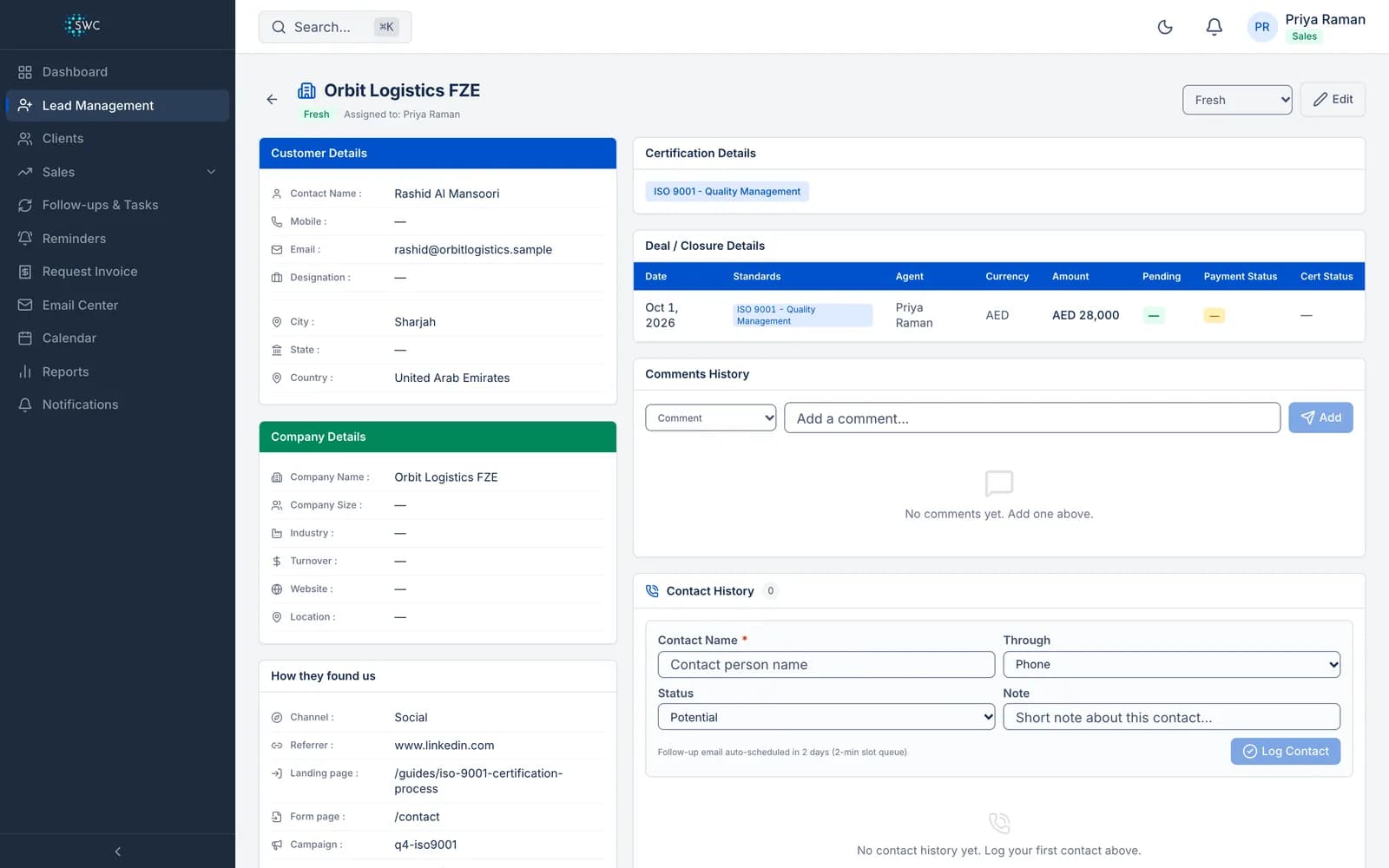
What Clauseloop does at the capture stage
Forms for your own website
Embed a lead form on any site with one script tag. Each form has its own key and a list of the domains allowed to use it.
Where each lead came from
Every web lead records the page the visit started on, the referring site and the campaign tags, so you know which work pays.
Assignment rules
Route leads by country or continent, with a catch-all rule and workload balancing across your sales team.
Imports and duplicates
Import leads from a spreadsheet, and see a warning when a lead you are adding matches a company or email already in the pipeline.
Step by step in the app: Capture leads from your website, spreadsheets and your team
Capture: frequently asked questions
Can I put the lead form on a WordPress or GoDaddy website?
Yes. The form is one script tag, so it works on any site that lets you add HTML. Add the site to the form's allowed domains first.
What happens when a lead comes in?
It is created in the pipeline, assigned by your rules, and its source is recorded. A web lead also starts the automatic follow-up emails.
See the capture stage with your own data
A 60-minute walkthrough of Clauseloop, from the first enquiry to the renewal, using the standards and currencies you work in.
The nine stages
Win the work
Deliver it
Keep the client
- Certify
- A cert-ready stage and certificate expiry tracking. The certification body issues the certificate.
- Bill
- Invoices in 10 currencies including INR, AED, GBP, and USD, payments recorded from Stripe, PayPal, or Cashfree, and overdue reminders for your team.
- Renew
- Expiry notices at 90, 60, 30, 7, and 1 days, and a renewal workflow for re-certification.